Android - Lab (2)
擁有歡迎畫面的 BMI App你將會學會:
- 使用第三方 Package (以 Github 為例)
- 使用 Alert Dialog
finish()的用途- 手動 Override function
- 寫一個 style
AppIntro
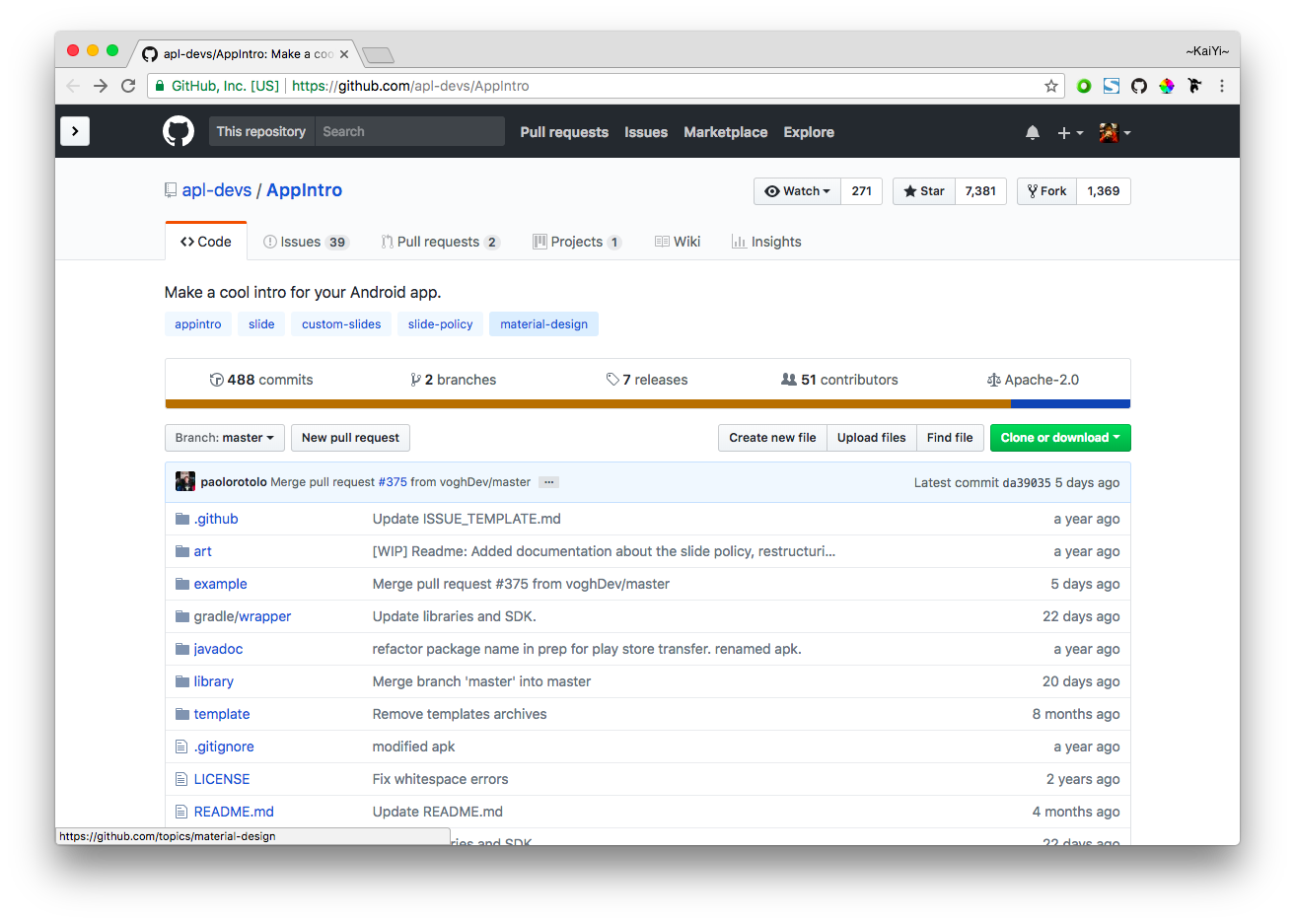
JitPack
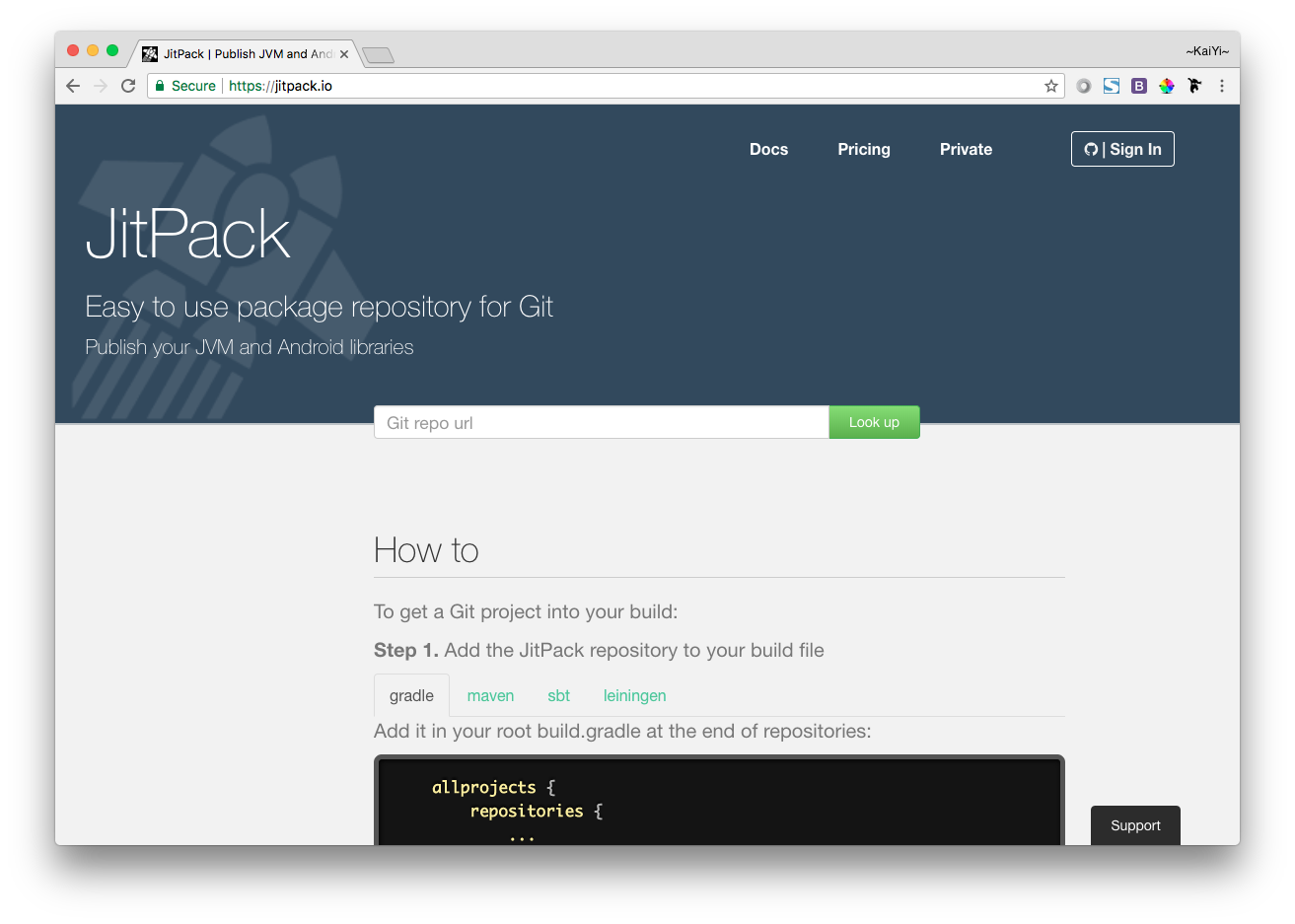
Add the JitPack repository to your build file
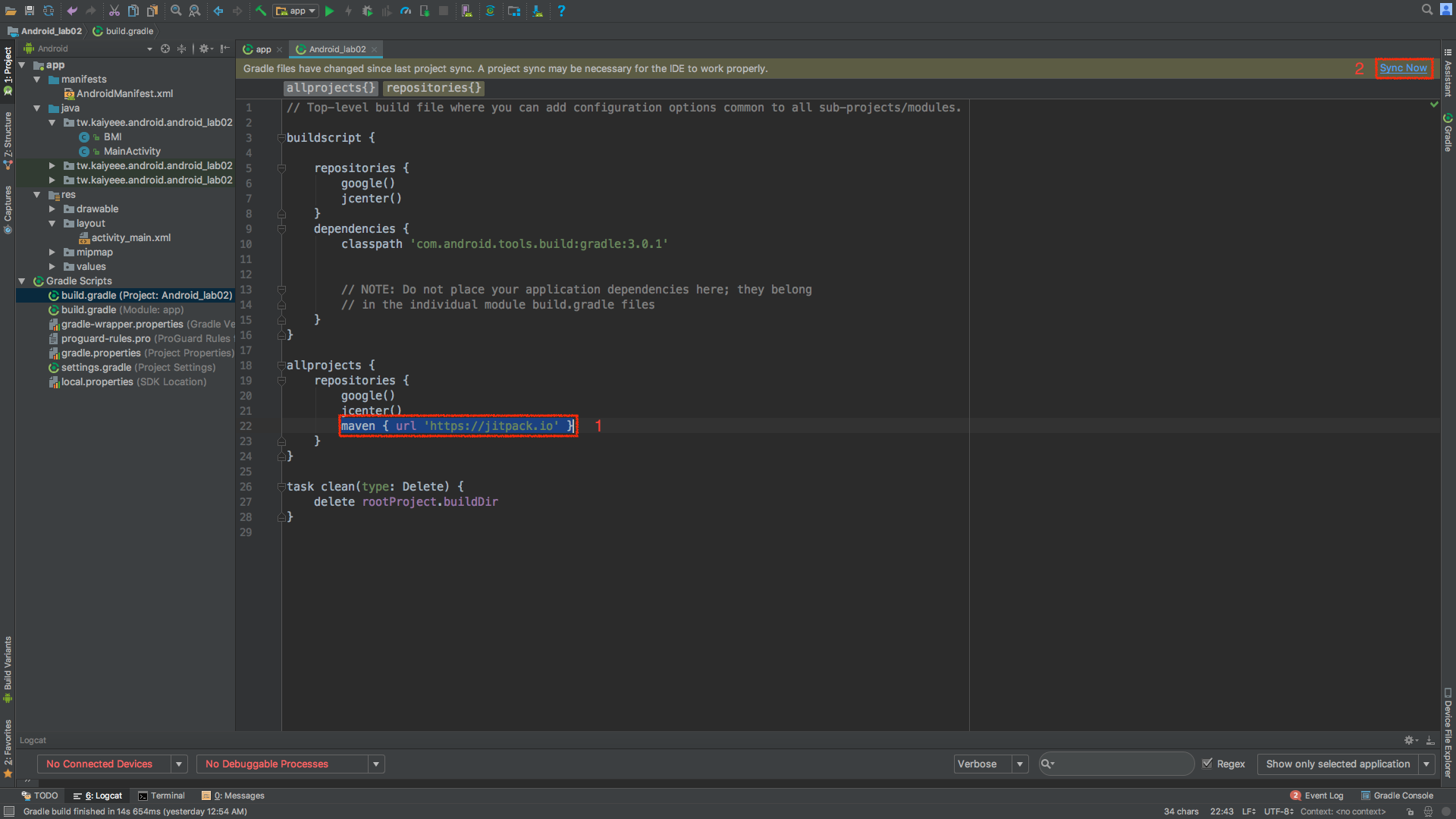
Add the dependency
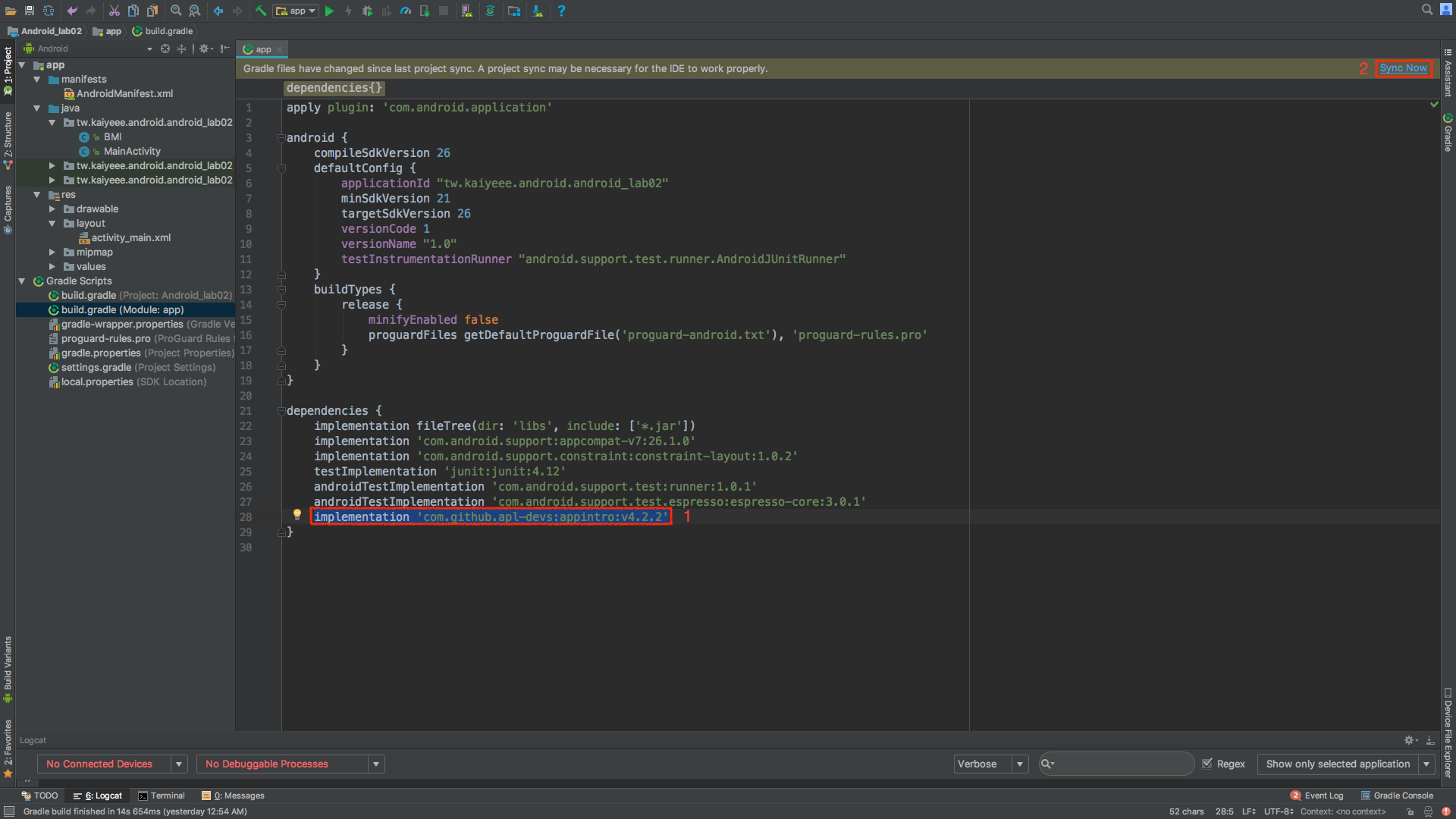
Create a new Activity that extends AppIntro
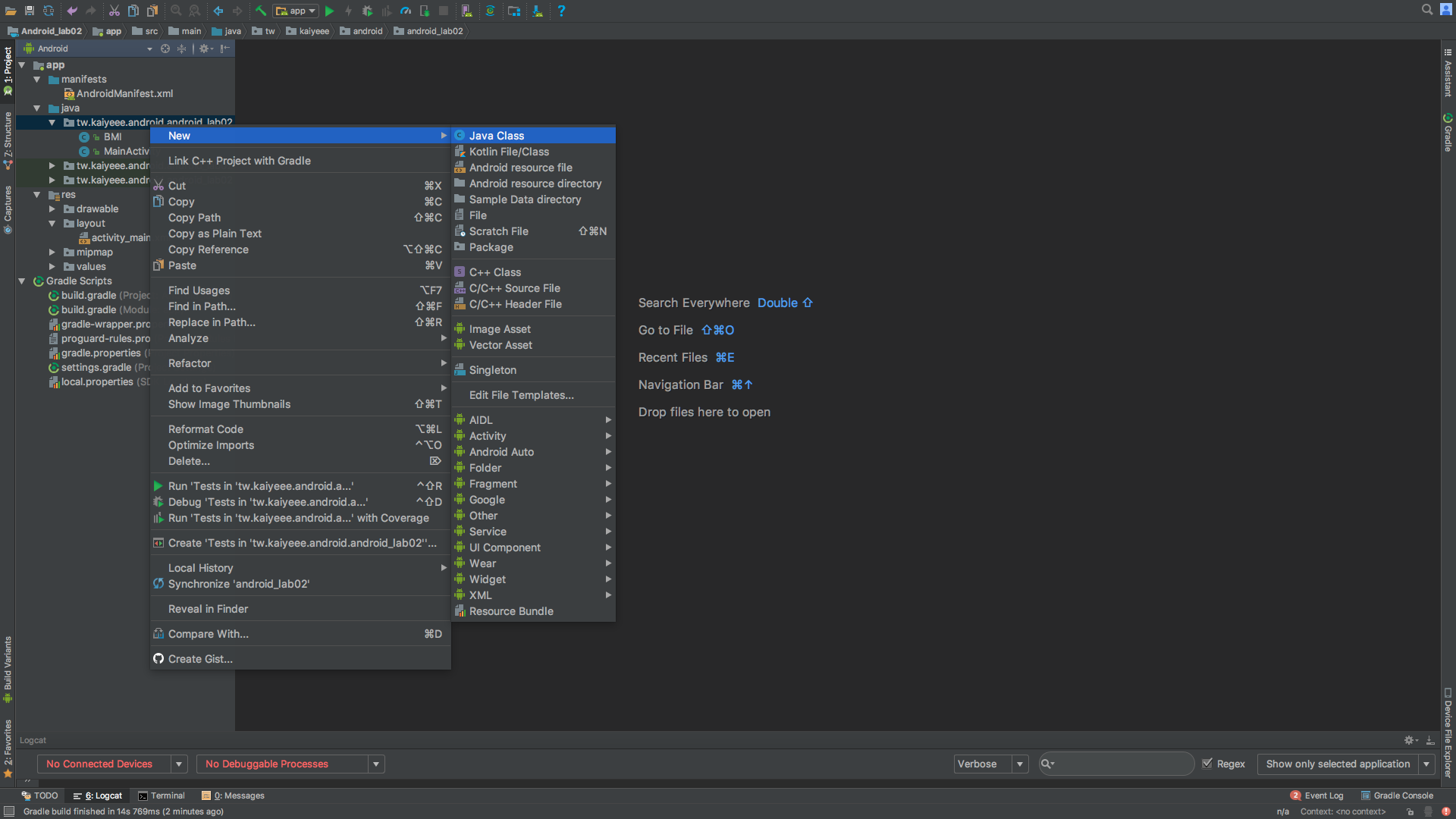
Create a new Activity that extends AppIntro
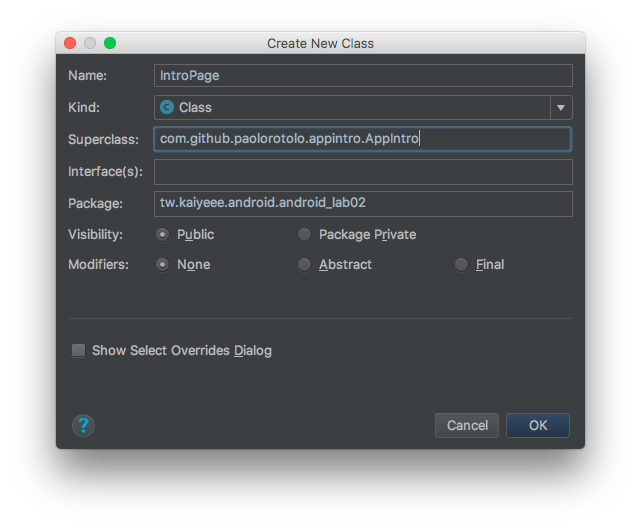
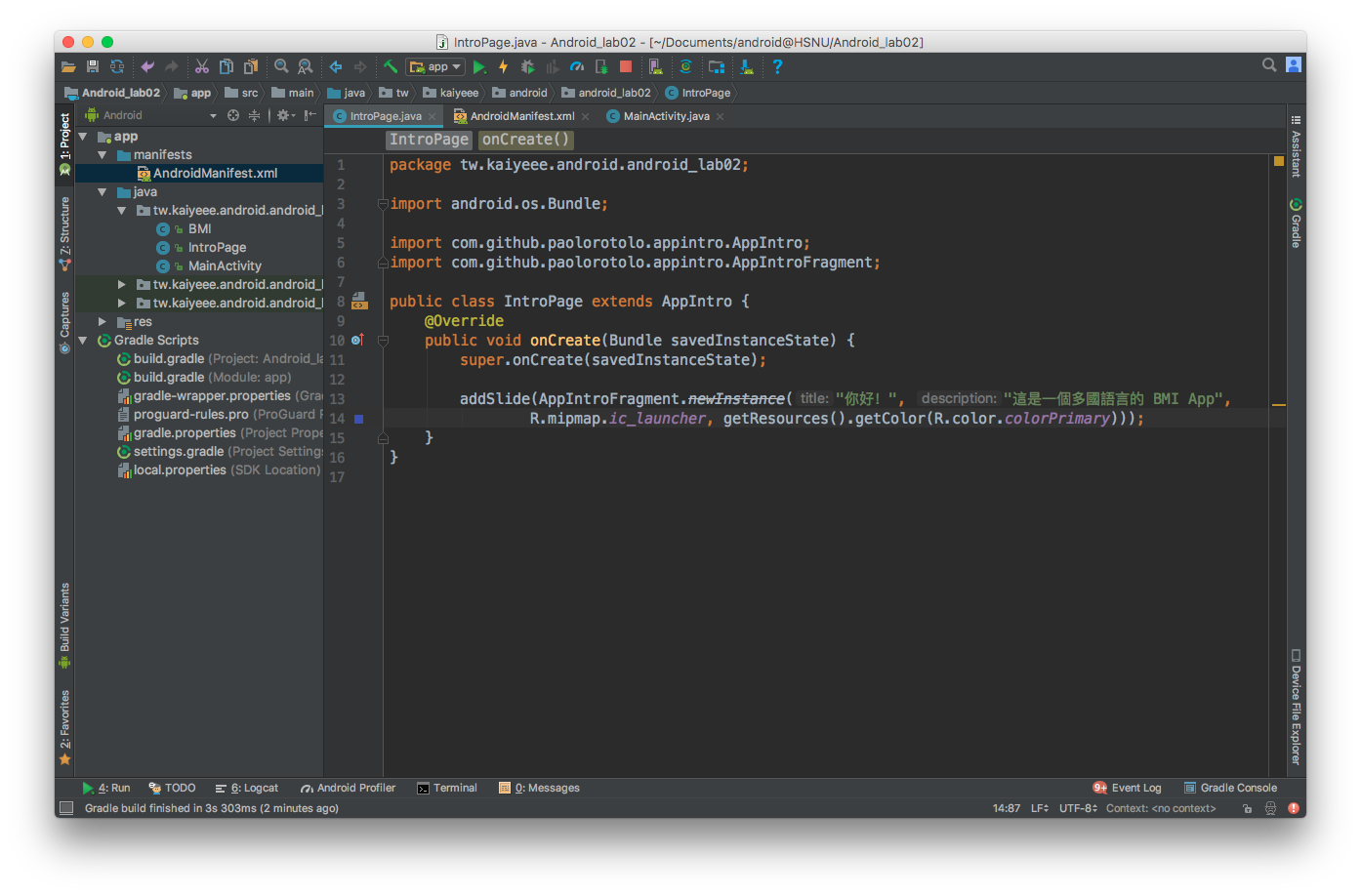
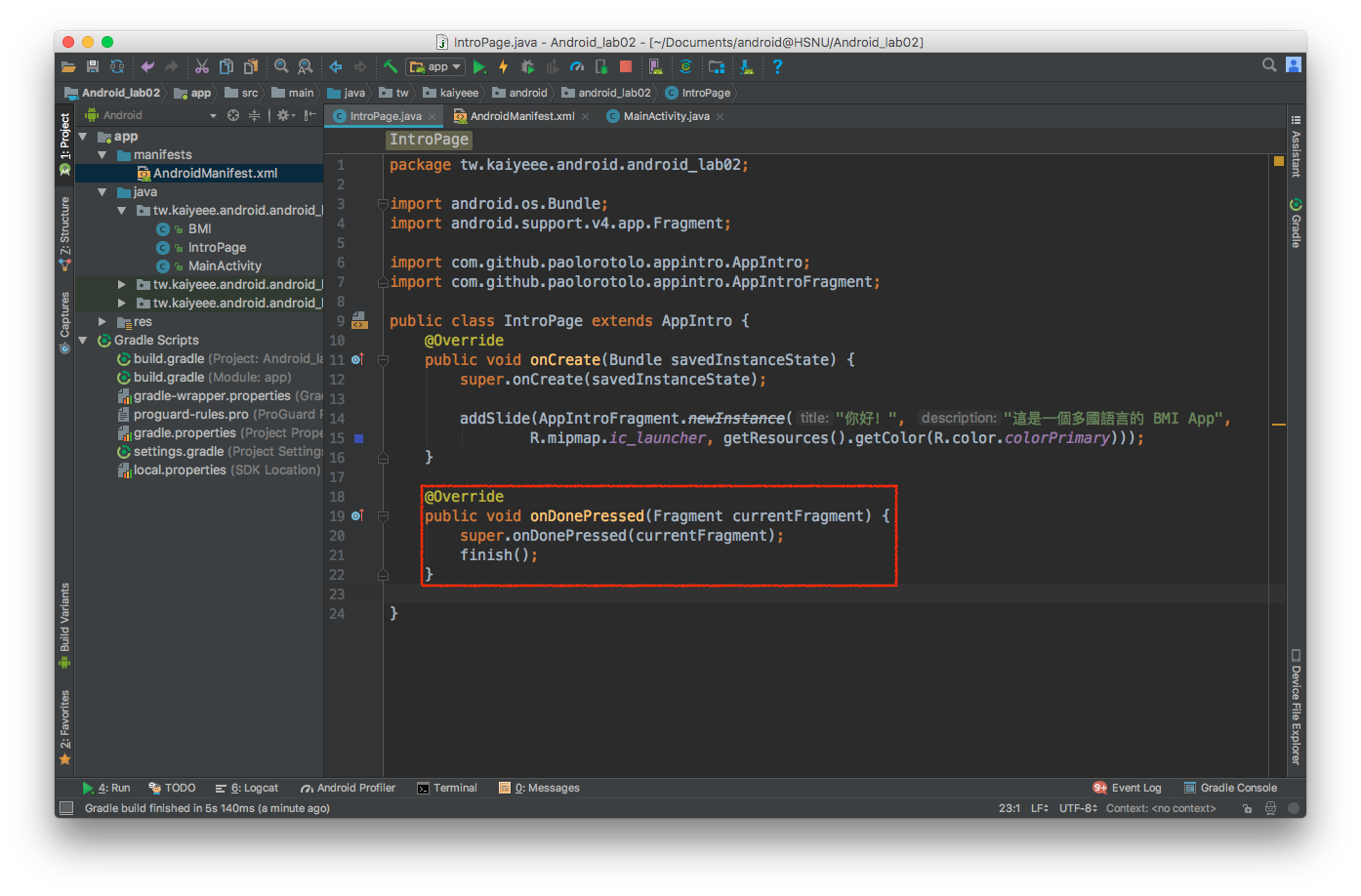
Construct Java code
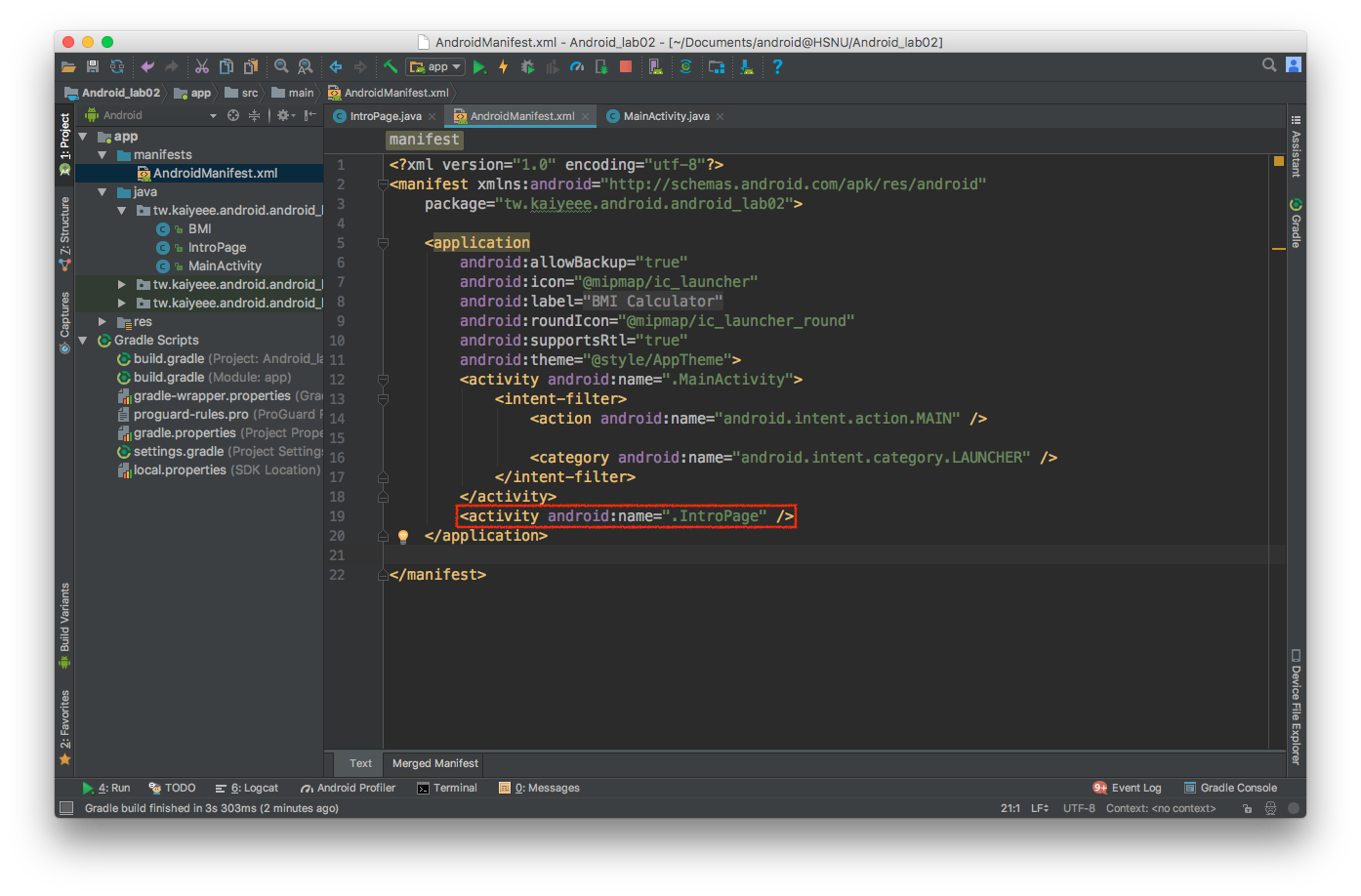
Declare the activity in AndroidManifest.xml
Set Entry Point in MainActivity.java
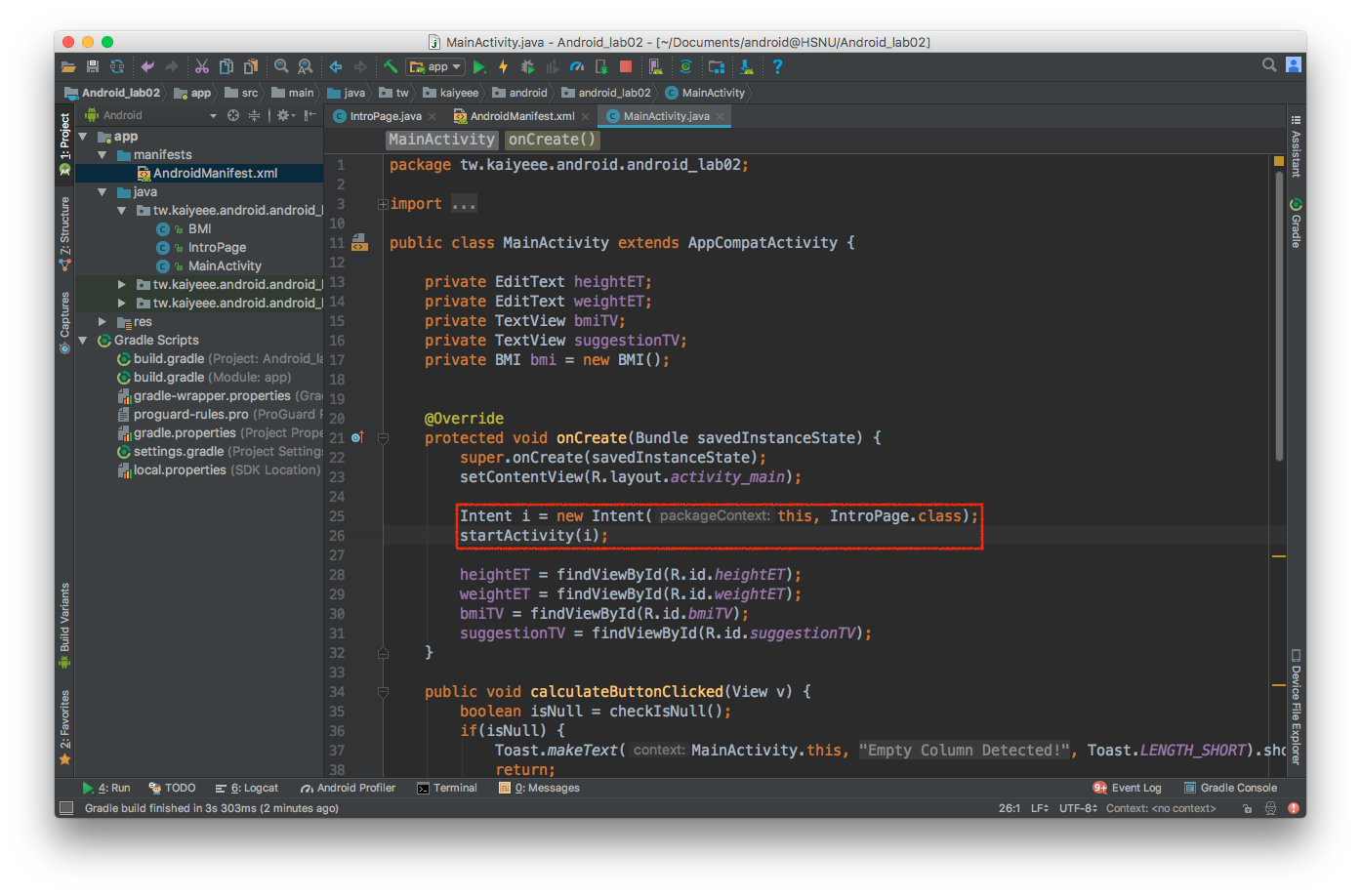
Intro Page
Fix on Done Button Clicked
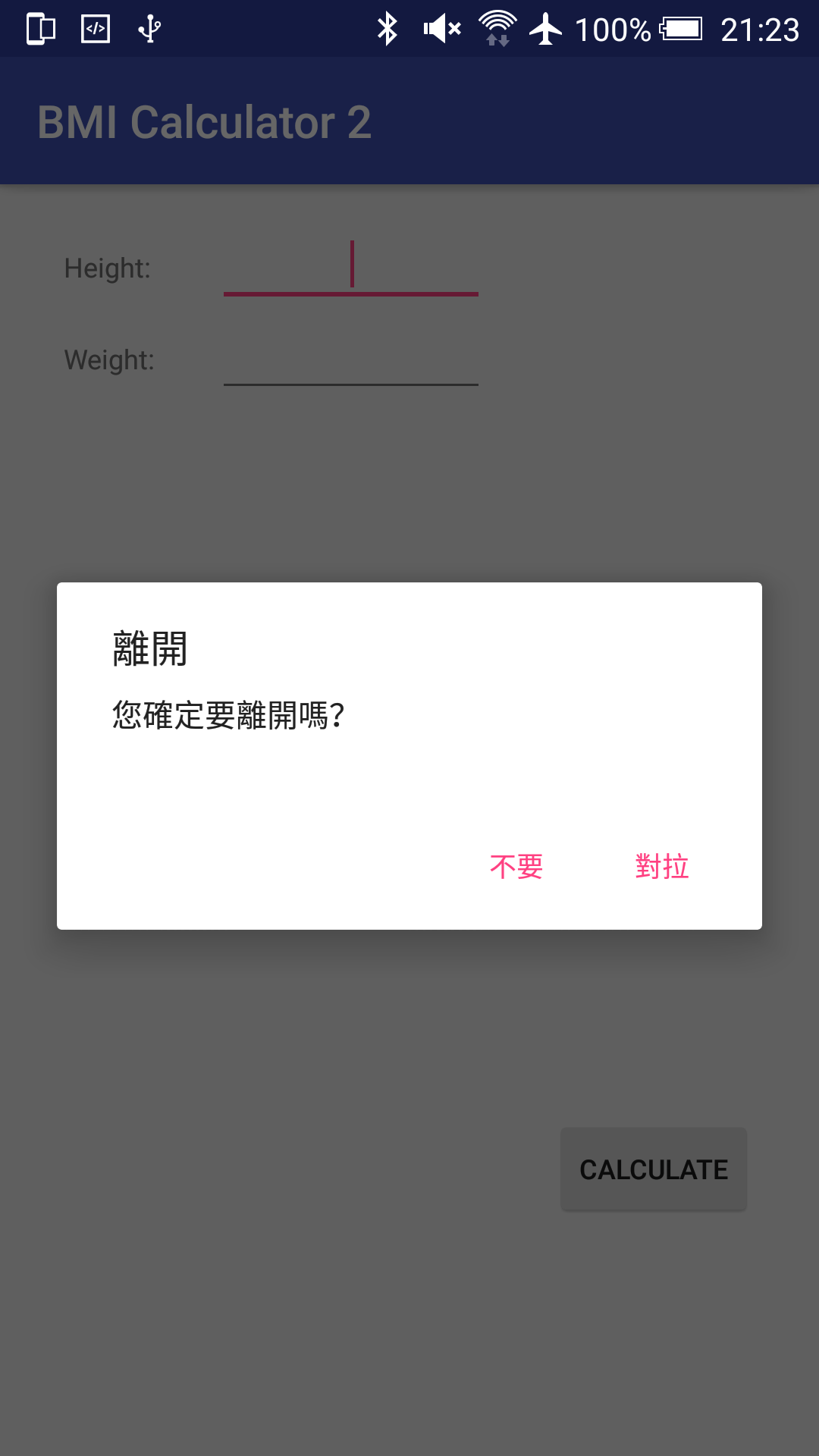
Show a Confirm Dialog Before Exit
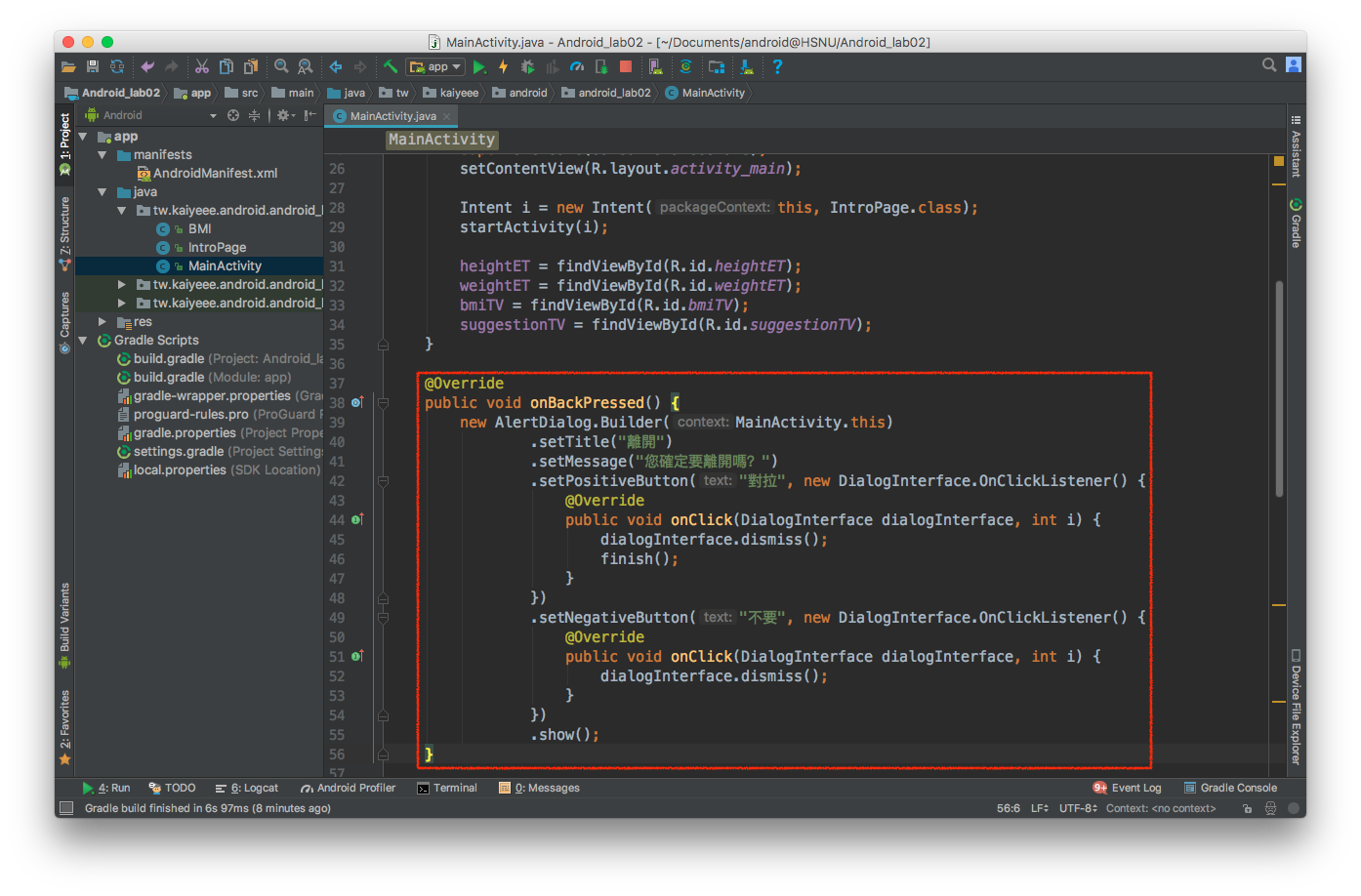
Alert Dialog
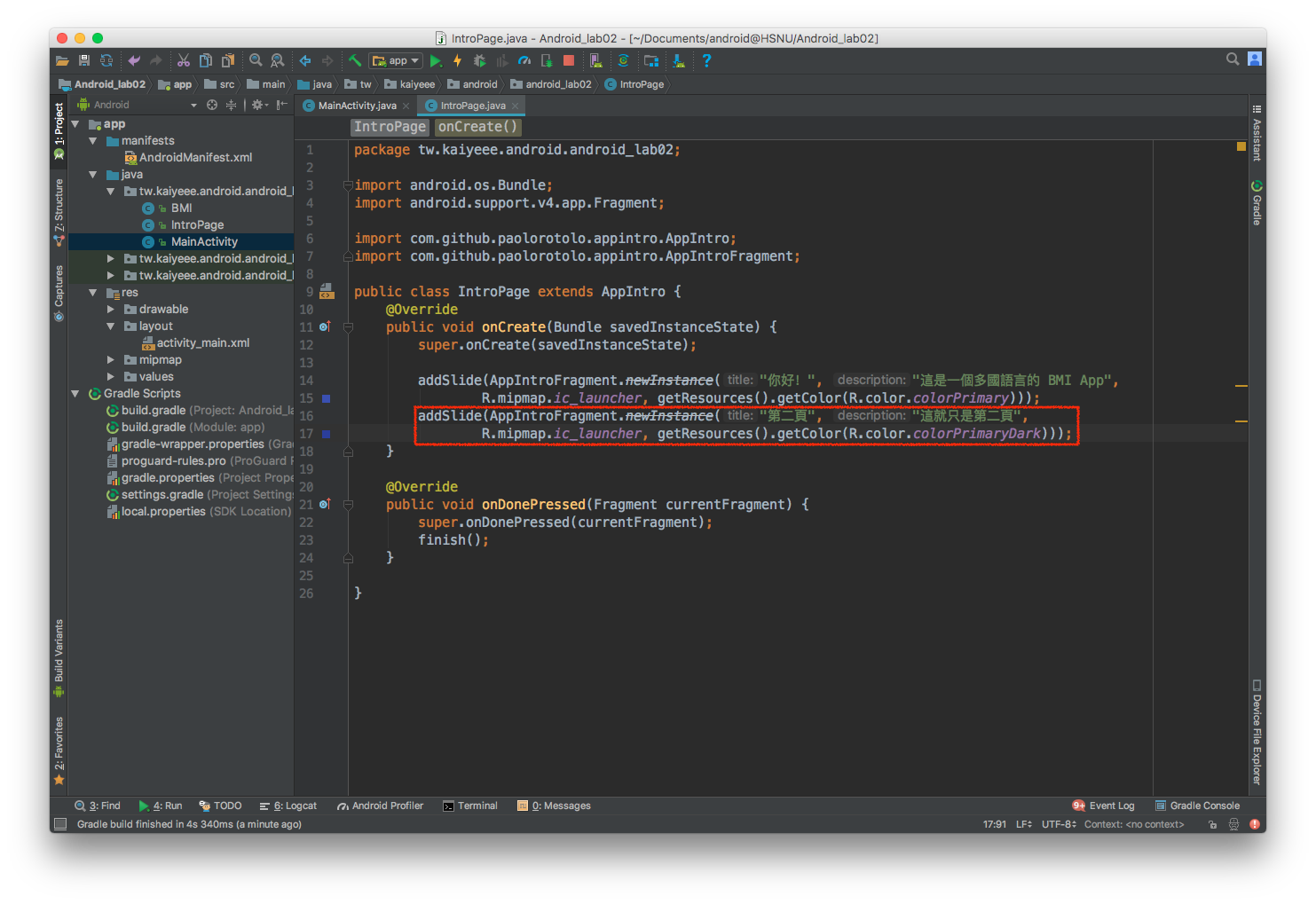
Add More Page
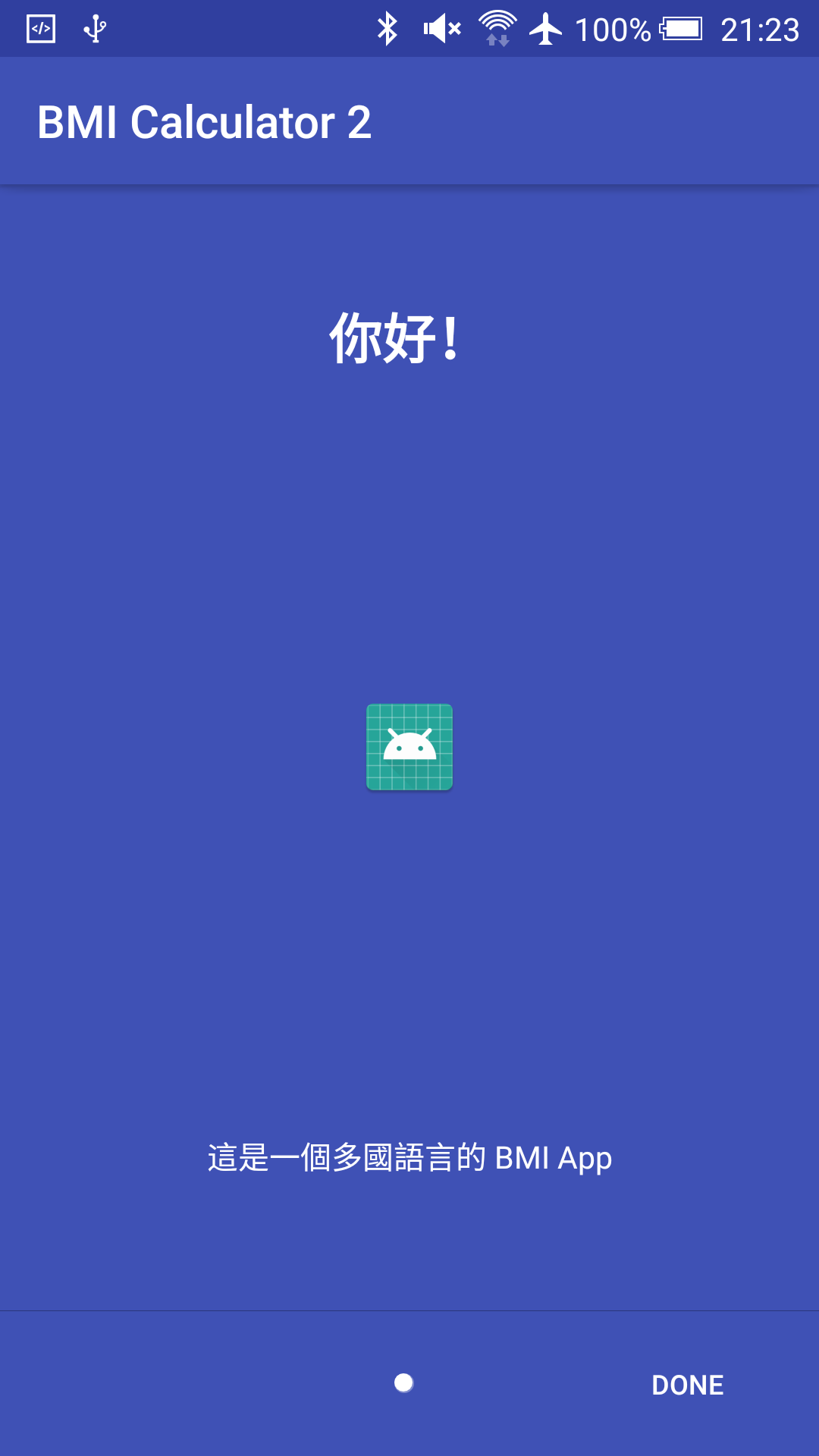
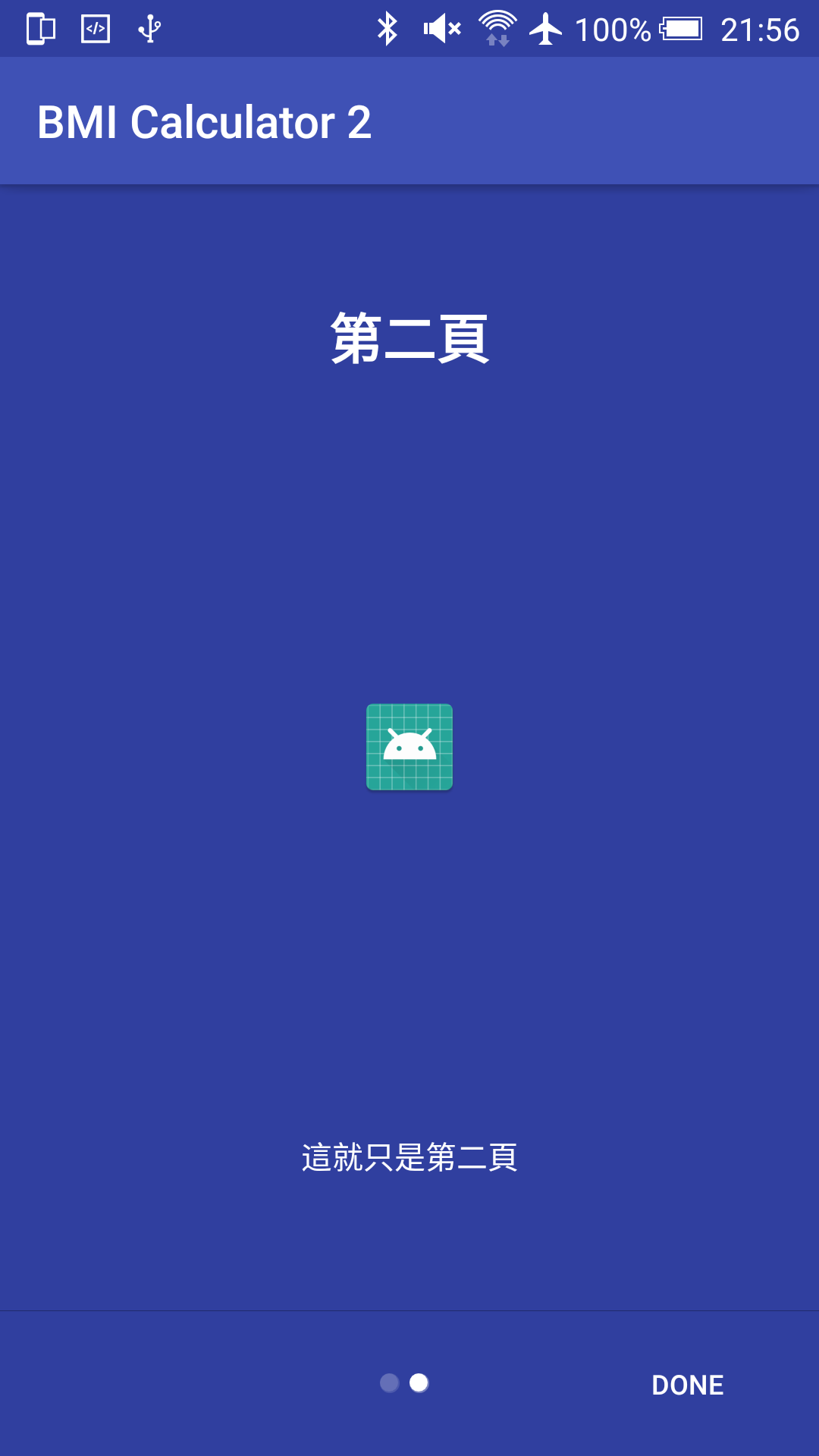
Screenshot
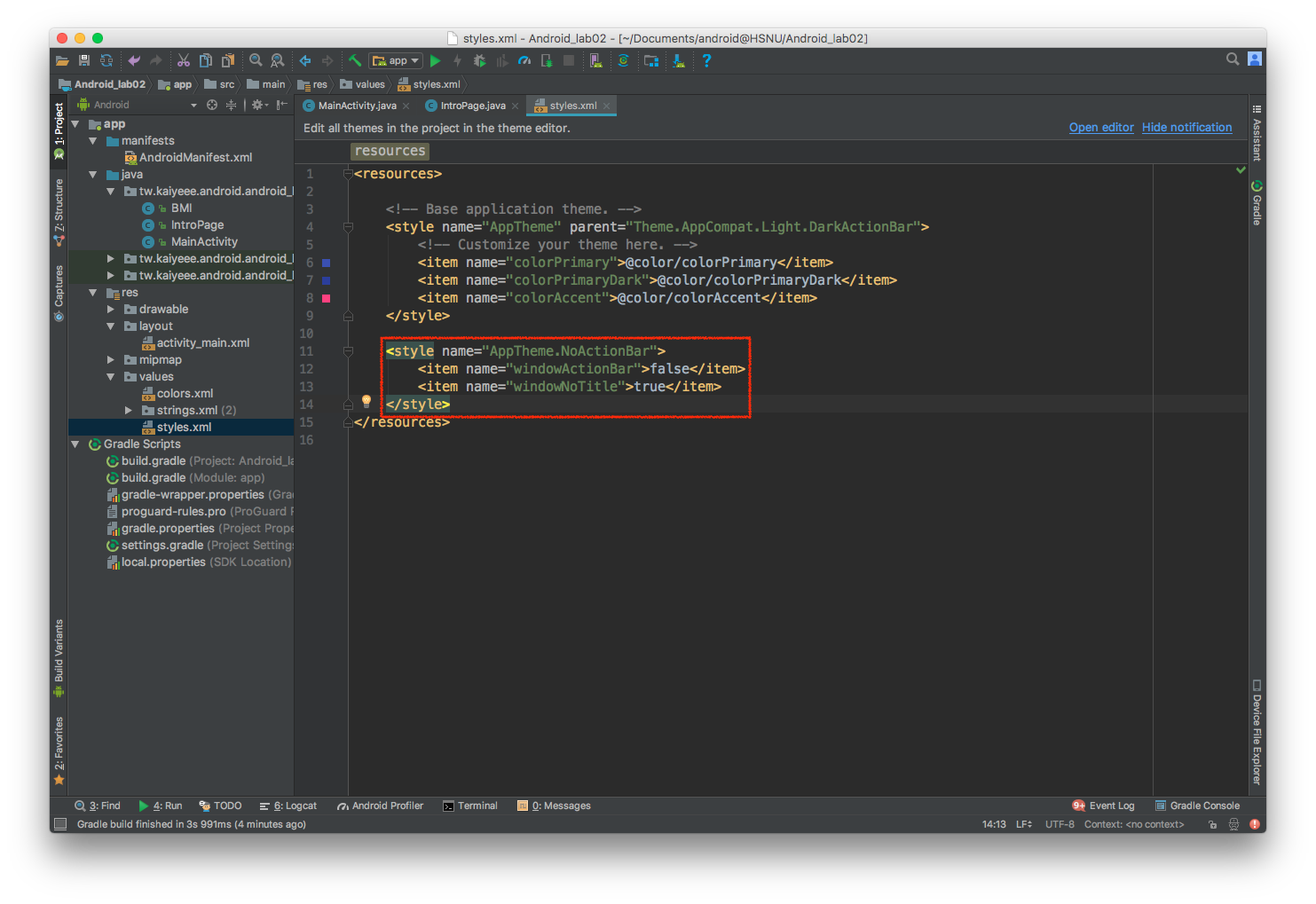
Hide Action Bar - styles.xml
Hide Action Bar - AndroidManifest.xml
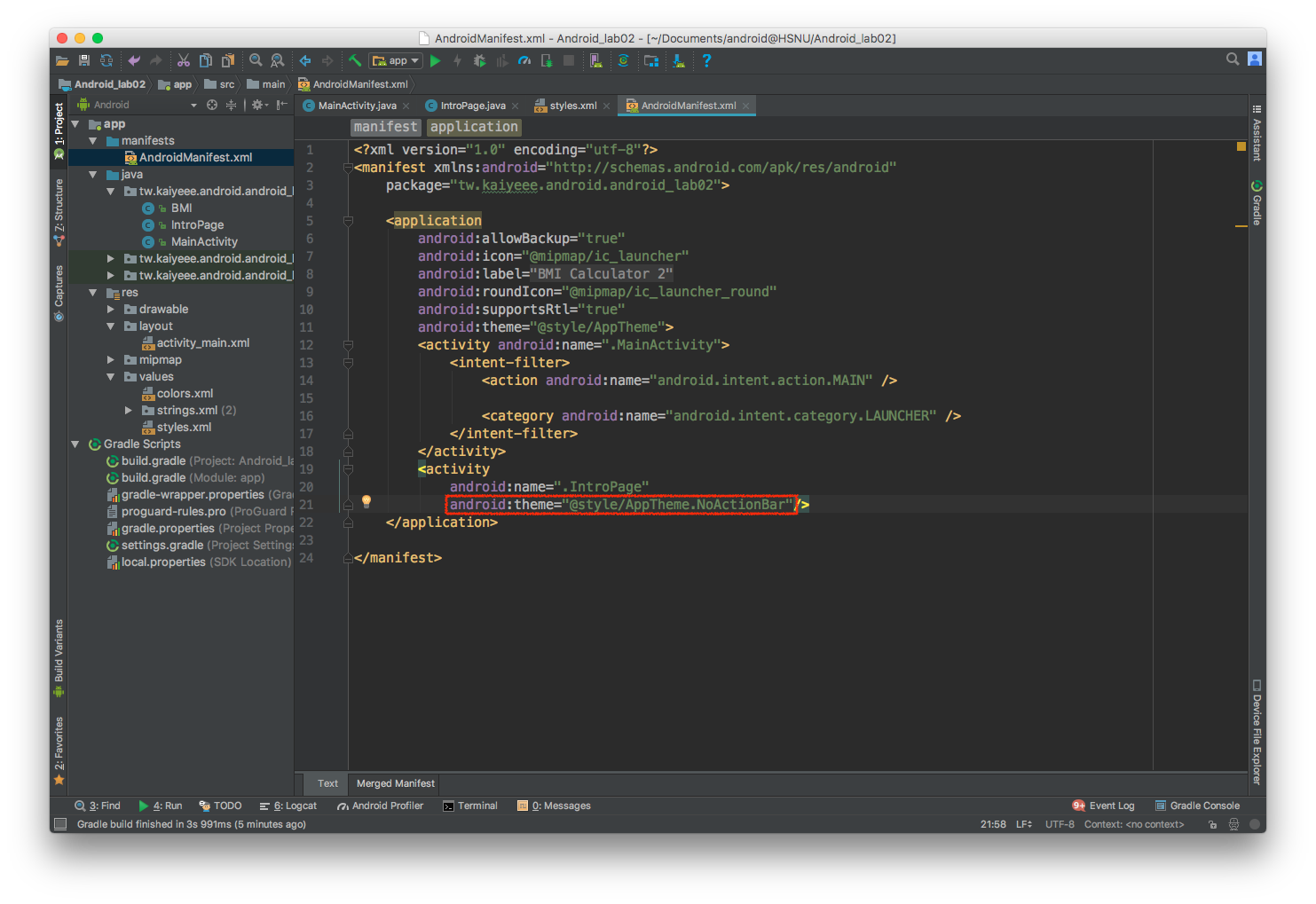
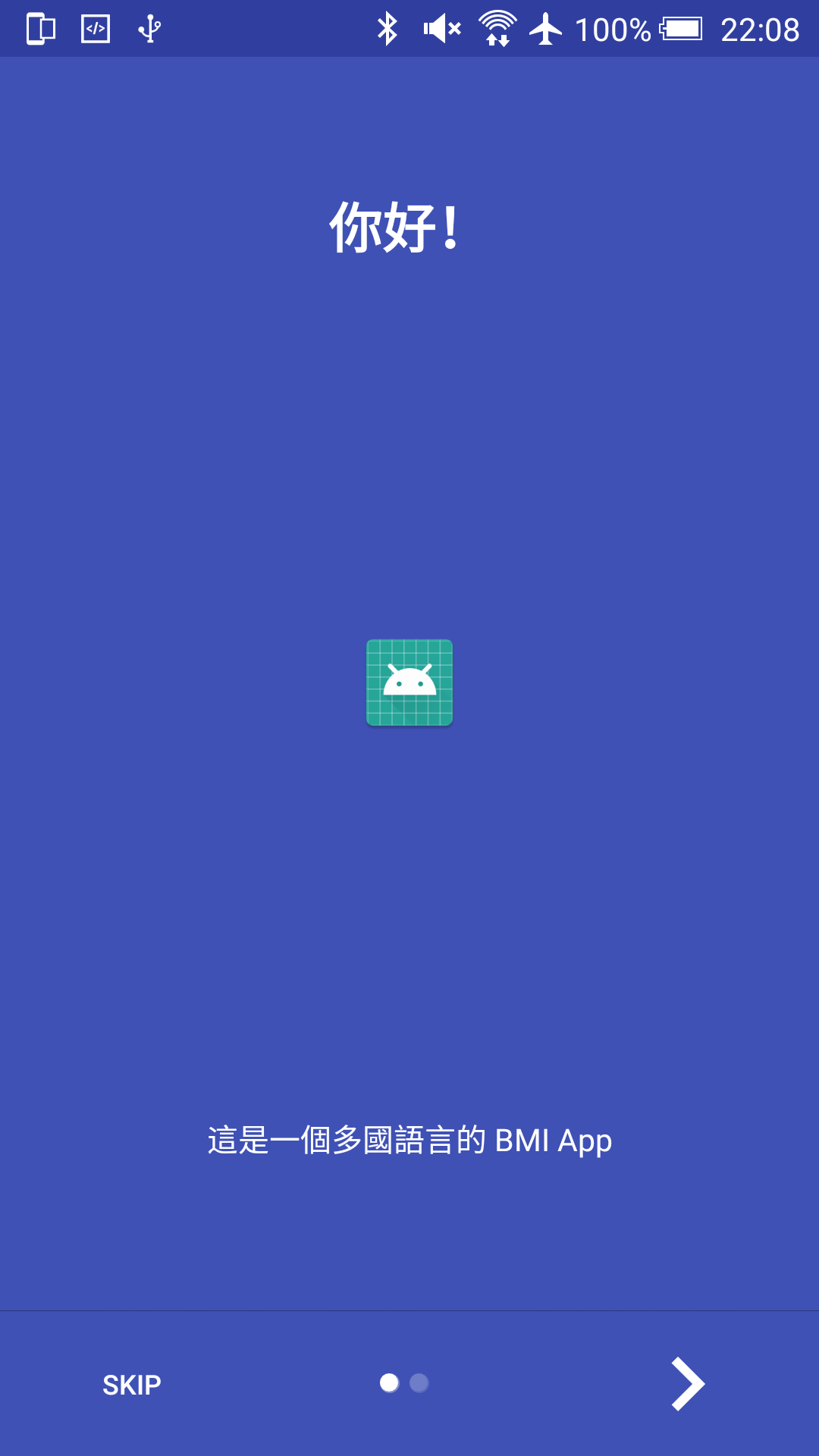
Hide Action Bar - Screenshot
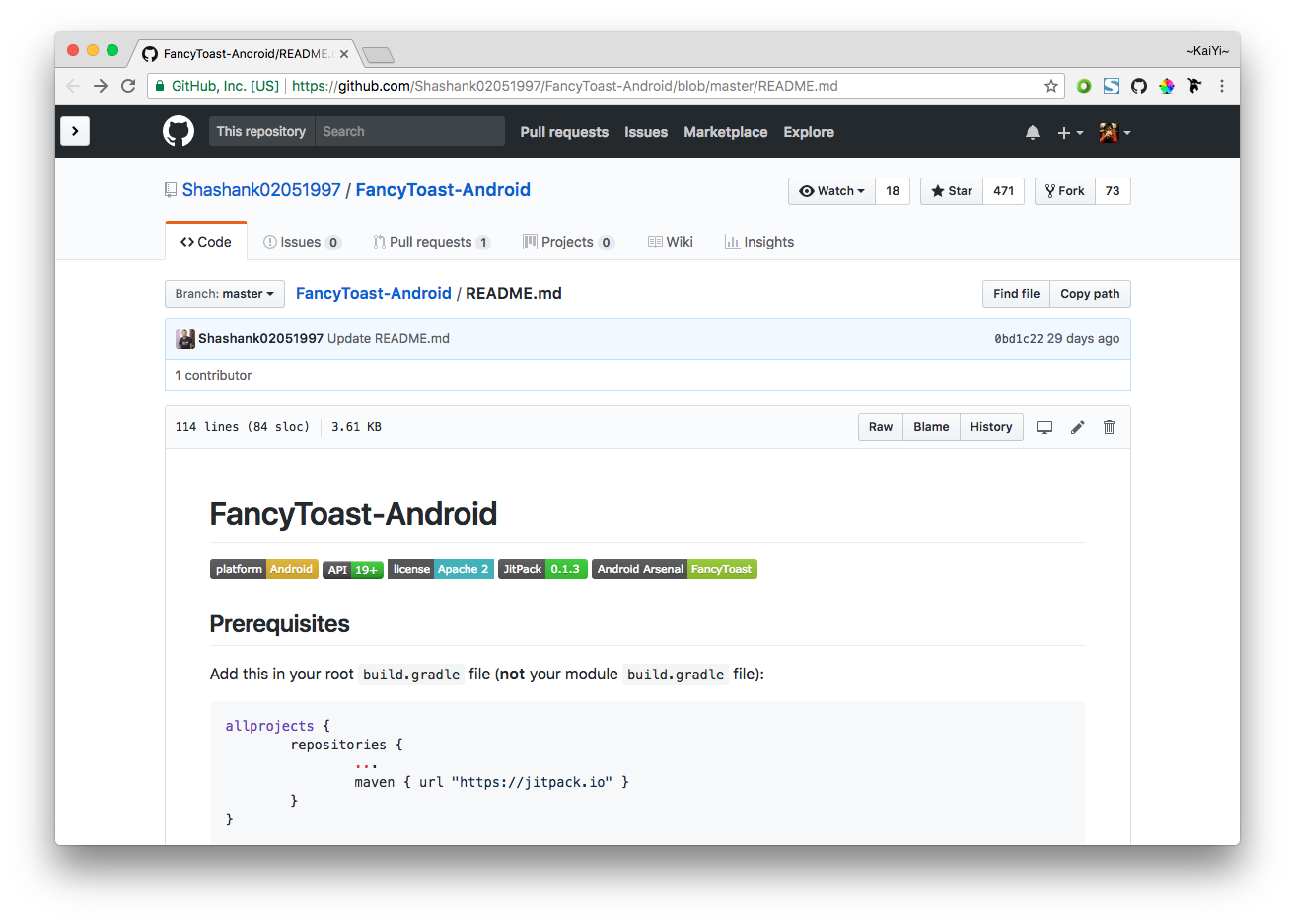
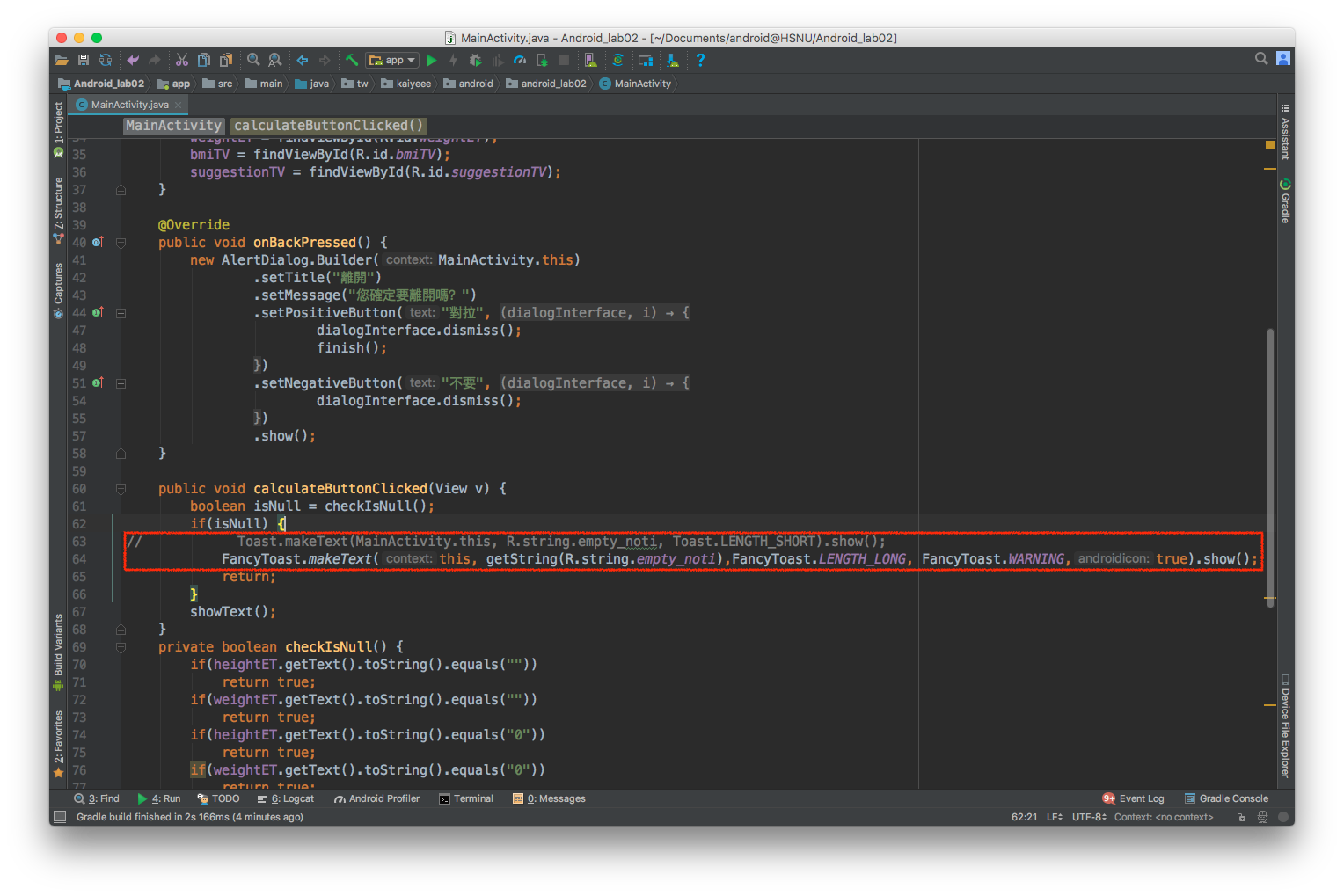
FancyToast
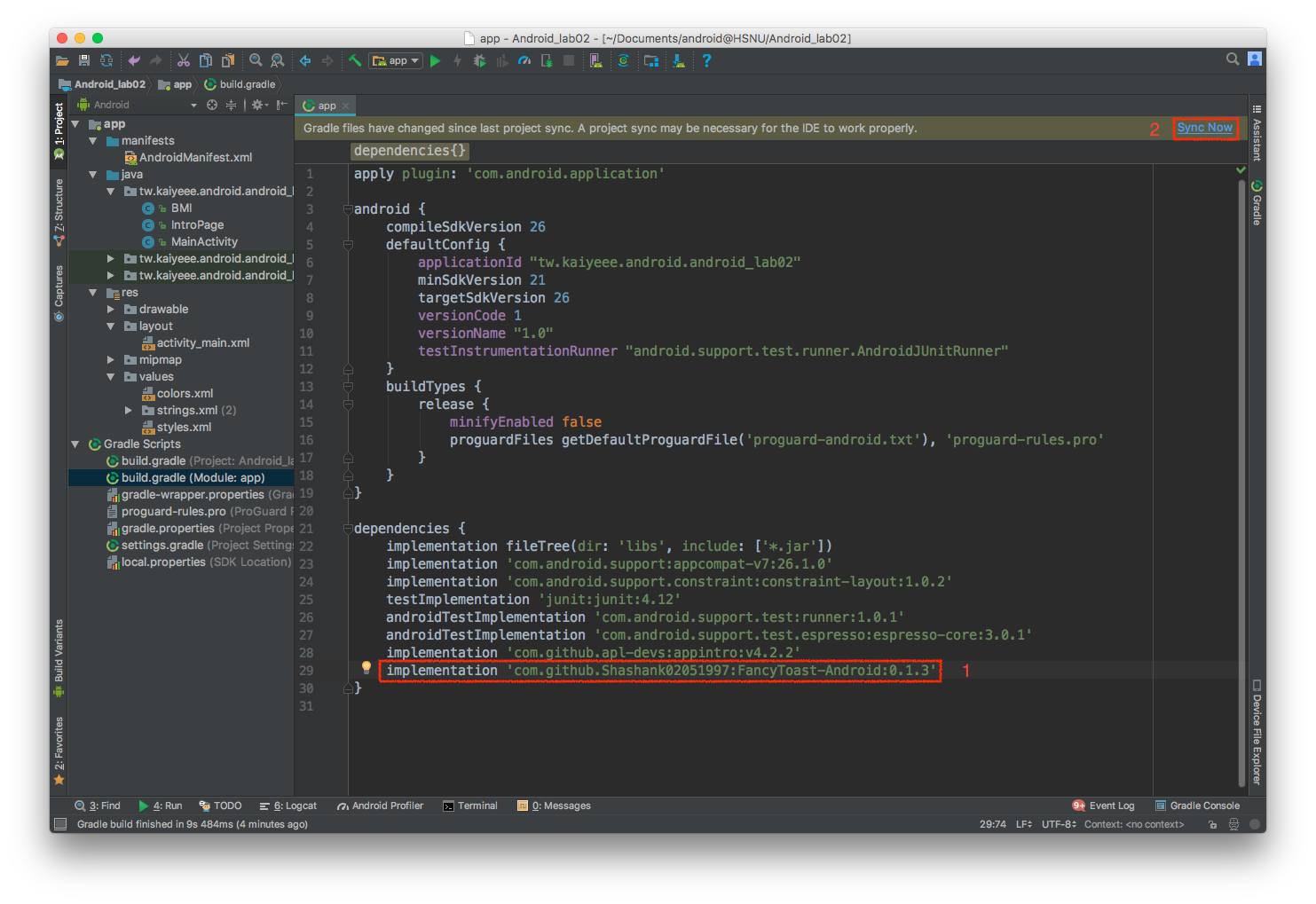
Add the dependency
Modify the code
成品